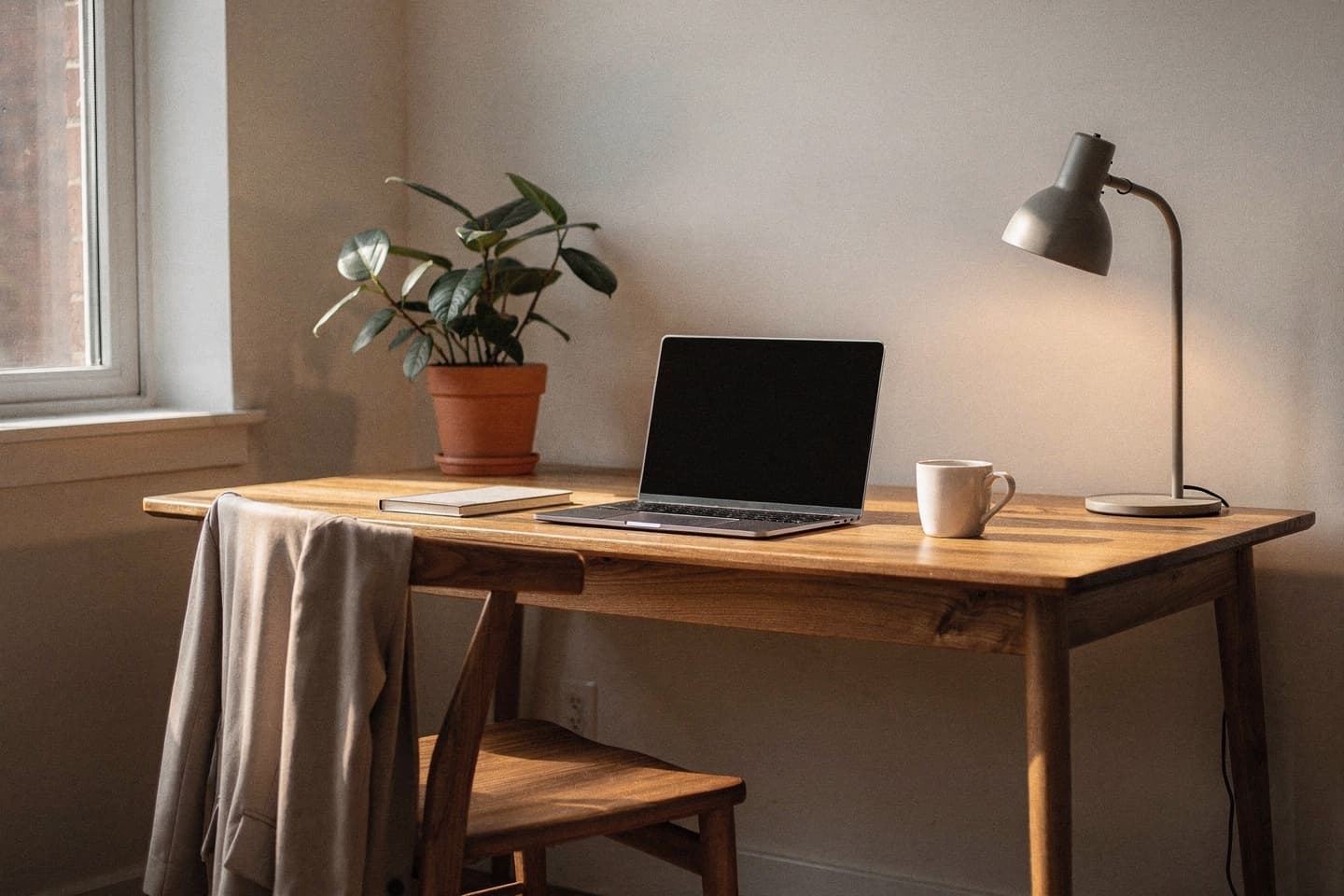
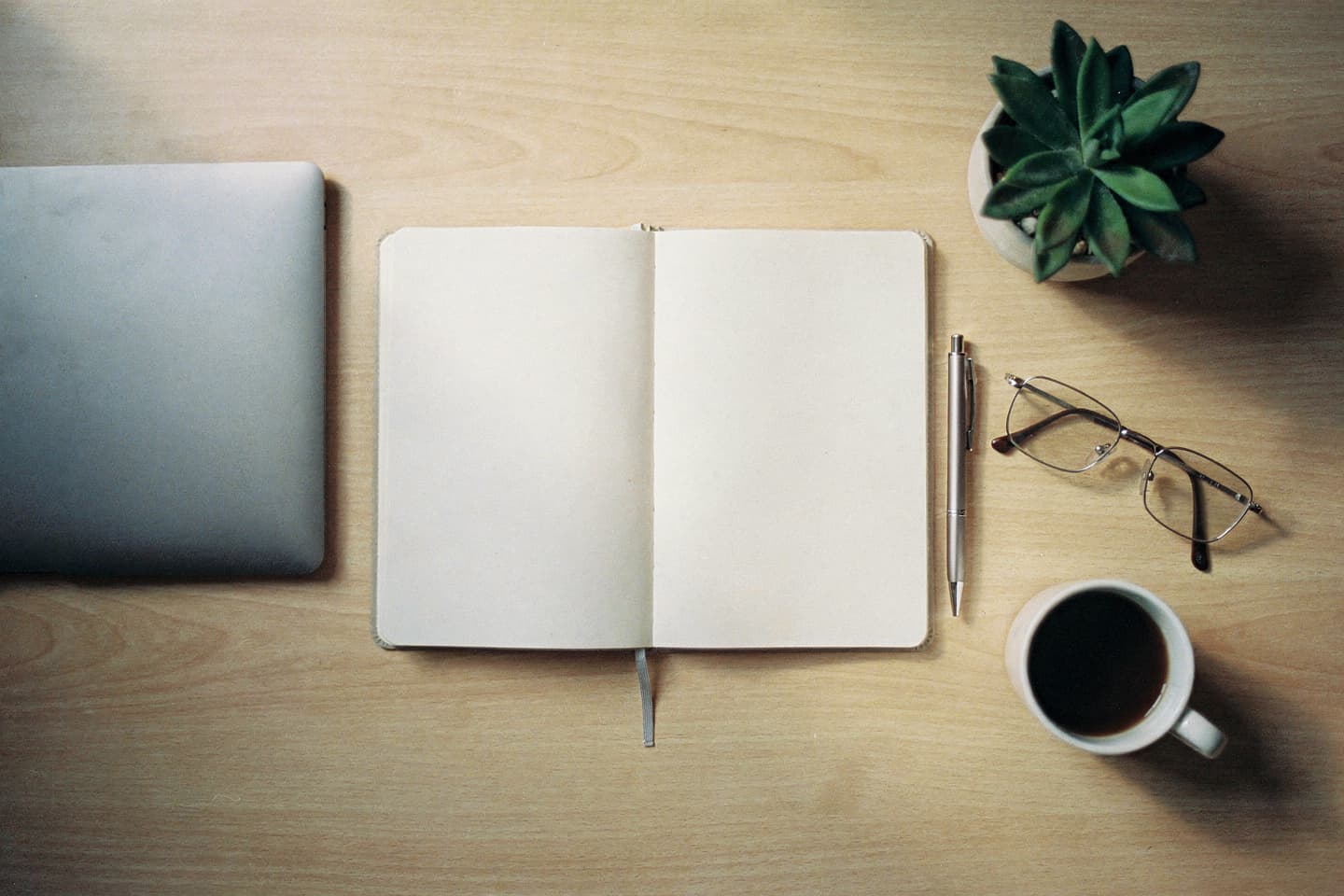
Generated office scenes have a reputation, and most of it is earned. Five details give them away every time: too-clean desks, suspiciously parallel laptops, magazine-style plants, blank wall-art, and rim-lit windows that look like a marketing brochure. None of those things appear in real offices.
This article is about how to avoid every one of them.
The five tells, in order of severity
1. The "magazine desk"
Real working desks have a few extra objects on them — a glass of water, a discarded sticker, an open notebook, a charging cable trailing off the edge. Generated desks default to one beautiful laptop in the centre of an empty walnut surface. Add two or three small ordinary objects to the prompt and the result becomes plausible.
Useful additions: a half-finished glass of water, a charging cable trailing off the edge, a pen lying across an open notebook, a single small house plant on the corner.
2. The parallel laptop
Generated laptops almost always sit perfectly square to the desk. Real laptops are turned five to ten degrees to suit the person typing. Asking explicitly for the laptop slightly turned towards me fixes this in one prompt.
3. The catalogue plant
Generated plants are too symmetrical, too healthy, and in a too-perfect pot. The fix is to ask for an imperfect plant.
A small house plant in a terracotta pot, slightly leaning, a few yellowing leaves at the base.
The model takes slightly leaning seriously. The plant becomes plant-shaped instead of stock-photo-shaped.
4. The blank wall
Generated office walls are clean to a fault. Real walls have a tape mark, a calendar, a power outlet, a corner of a poster. Add one small detail to the wall in the prompt:
A bulletin board with a few unfocussed papers pinned to it, two metres behind me, slightly to the left.
You do not need to specify the papers' contents. A few unfocussed papers is enough.
5. The brochure window
Generated windows often produce a perfect rim of light around the subject, the kind you only get in a $5,000 photo studio. Asking for soft natural daylight from the side rather than natural daylight removes the rim. The word side is the entire fix.
Five office setups that always work
These are the prompts we have seen succeed most often. Each follows the six-ingredient framework and avoids the five tells above.
A. The window desk, morning
A home office desk by a window, mid-morning, cool natural daylight from the right, wooden desk with a slightly-turned laptop, an open notebook with a pen across it, a small ceramic mug, a charging cable trailing off the edge, a single house plant with a few yellowing leaves at the base, a low bookshelf about two metres behind me, calm.
Why it works: cool daylight, foreground objects, one small imperfection on the plant.
B. The late evening desk
A home office desk in the late evening, warm desk-lamp light from the left, the room behind me mostly dark with a single lamp visible in the corner, laptop slightly turned, a notebook open to a half-finished page, a glass of water, a sweater draped over the chair-back behind me, quiet.
Why it works: night-time desks are a classic boring-job photo and the sweater on the chair is the single most realism-boosting detail. Pair this one with Lighting Tips for the colour-temperature handling.
C. The conference room
A small conference room, mid-afternoon, soft overhead fluorescent light, a long wooden table with three closed laptops in front of empty chairs, a closed marker on the table, a whiteboard with no writing two metres behind me, calm, empty room.
Why it works: empty meeting rooms are forgiving. The whiteboard with no writing avoids the model inventing AI-generated text, which is the single biggest source of that doesn't look right in office prompts.
D. The shared kitchen / pantry
A small office kitchen, late morning, cool overhead lights, a stainless steel countertop with a coffee machine and a few mugs on a drying rack, a notice board with unfocussed papers about two metres behind me, calm, empty.
Why it works: kitchens are universally generic and have built-in foreground objects (mugs, kettle, sink). Used as a "I'm at the office" maintenance photo, this is one of the most believable settings the app produces.
E. The hot desk at a co-working space
A hot desk in a co-working space, mid-afternoon, soft natural light from a window to my left, a slightly-turned laptop, an over-ear headphone resting next to it, a paper coffee cup, a notebook open to a half-finished page, a row of empty desks receding behind me, low murmur.
Why it works: co-working spaces have a recognisable visual language (rows of identical desks, soft daylight, headphones) and the empty desks receding gives the model an excuse to imply ambient activity without inventing faces.
What to deliberately leave out
A short list of things that make generated offices look generated.
- Branded laptops, phones, monitors. Ask for a laptop and a phone, not for specific makes. The model's rendering of a brand logo is almost always off by a notch.
- Whiteboards or screens with text. The model cannot reliably produce readable text. Empty whiteboard and blank screen are your friends.
- A row of identical plants. One plant, lightly imperfect, beats three perfect plants.
- Group photos of coworkers. Generated faces in the background are the single worst tell. Use empty room or one person walking away in the distance.
- Visible clocks. Generated clocks rarely show a plausible time.
A short checklist before generating
- Have I added two or three small foreground objects?
- Have I asked for the laptop to be slightly turned?
- Have I added one small imperfection (the plant, the sweater, the notebook)?
- Have I named the side the daylight is coming from?
- Have I avoided all readable text in the scene?
If you can tick all five, the result is almost always usable on the first generation.
Related reading
- Anatomy of a Perfect Prompt
- Lighting Tips for Believable Composite Photos
- Looking Busy at Work While You're on Vacation
- How to Describe a Setting in 10 Words
Try it yourself
Try one of the five setups above, free, at btdt.fun. Three credits, no card on file.