A practical personal photo tool
Been there done that helps you create realistic personal images for privacy, selective sharing, camera-roll continuity, and low-stakes social presence.
Create a responsible digital alibi photo from your own selfie. Describe the setting, choose the date and time, and save a realistic personal photo.
No subscription. Credits are only used when a photo is created successfully.
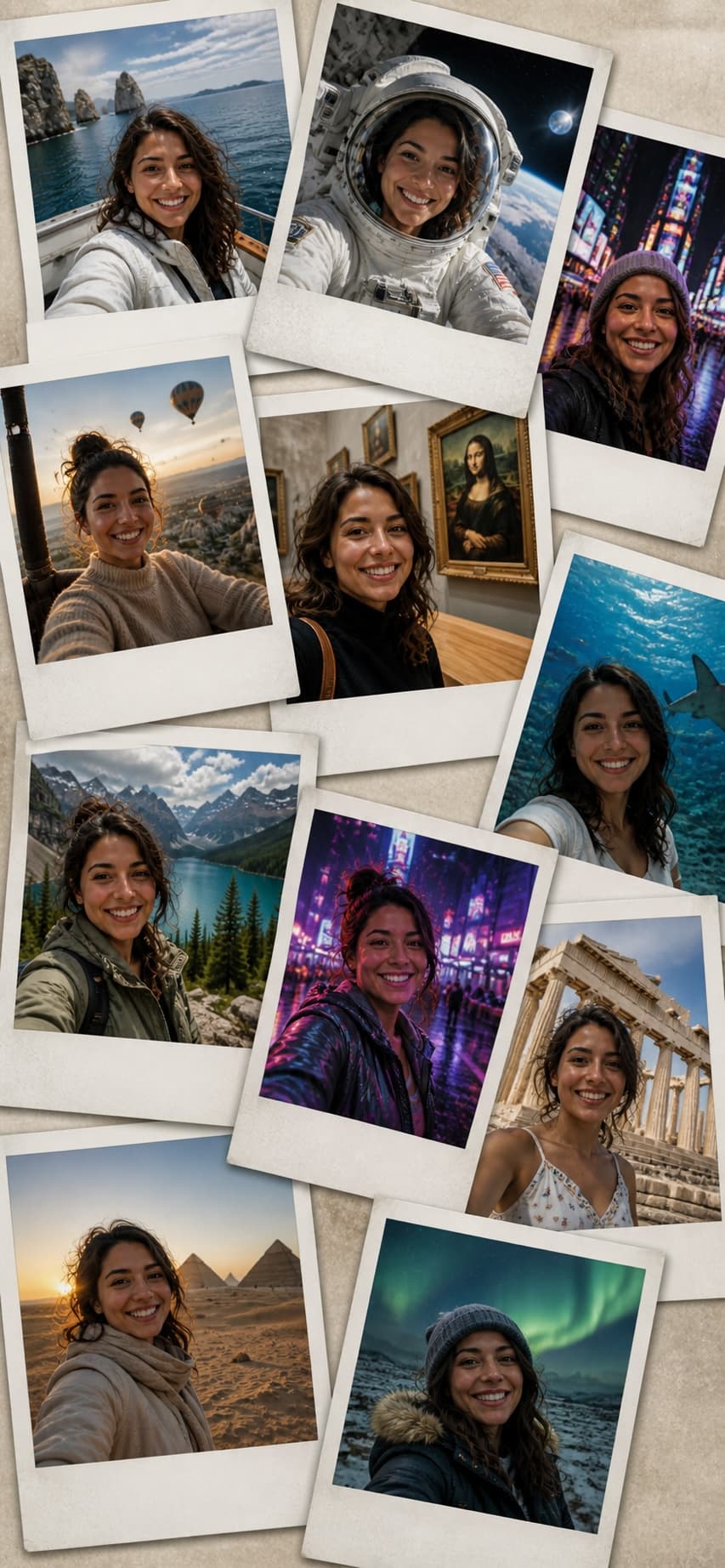
Hotel lobby with soft afternoon light.
What it is
Been there done that helps you create realistic personal images for privacy, selective sharing, camera-roll continuity, and low-stakes social presence.
The workflow combines your own selfie, a plain-language location prompt, a chosen timestamp, temporary processing, and a clean JPEG download.
It is not for fraud, impersonation, official evidence, legal claims, insurance matters, employment disputes, or proving facts to authorities.
Core benefits
Make a realistic digital alibi photo from your own selfie for low-stakes privacy, selective sharing, and ordinary social presence.
Write where the photo should appear to be taken, from a hotel lobby to an office, street, cafe, airport, or event space.
Choose the photo date and time before saving, so the final file matches the moment you want to show.
Download a full-quality JPEG without watermarks or preview overlays.
Generate another version from the same input if the first result is not right. Each successful result uses one credit.
The app is built for quick use on a phone and can be added to the home screen for faster access.
New users get 3 free credits. After that, buy 10 credits for EUR 10. No subscription.
How it works
Upload
Describe
Set time
Save
Credits
Your first 3 successful photos are free. After that, credits are sold in packs of 10 for EUR 10.
Start with 3 free creditsFile handling
Your photos are not published, listed, or shared inside the product.
Finished images stay available only briefly after creation, so save the ones you want to keep.
The saved file uses the date and time you choose. Location metadata is removed when the final photo is saved.
Google sign-in is used for account access. Stripe handles card payments for credit packs.
Responsible use
Photo Tool is for creating realistic personal photos from your own selfie. Do not use it to mislead people in harmful situations, impersonate someone else, bypass rules, or create images you do not have the right to make.
Blog
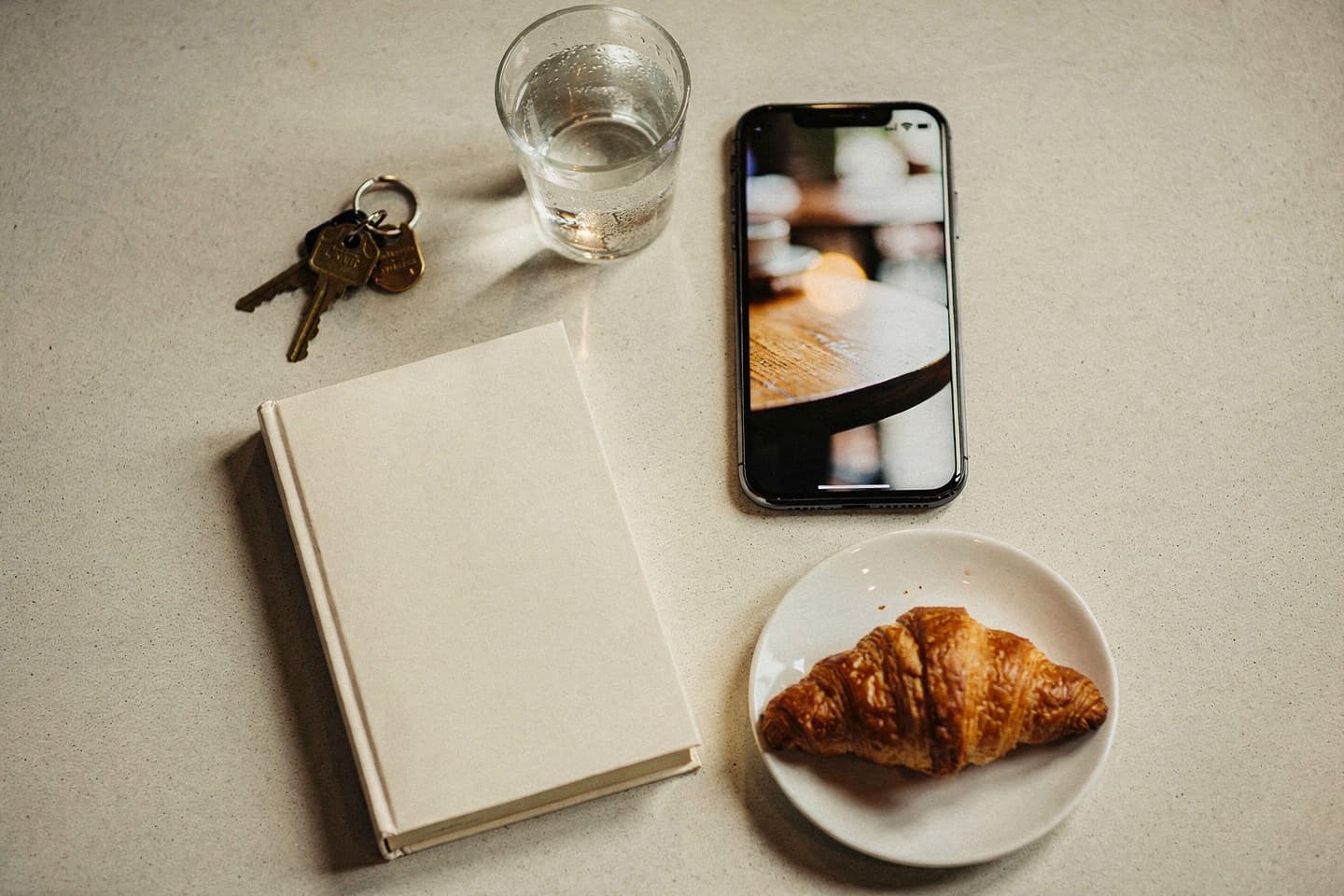
A practical comparison of the main ways to create realistic personal photos from a selfie: a dedicated digital alibi photo app, general AI image tools, photo editors, and manual metadata utilities.
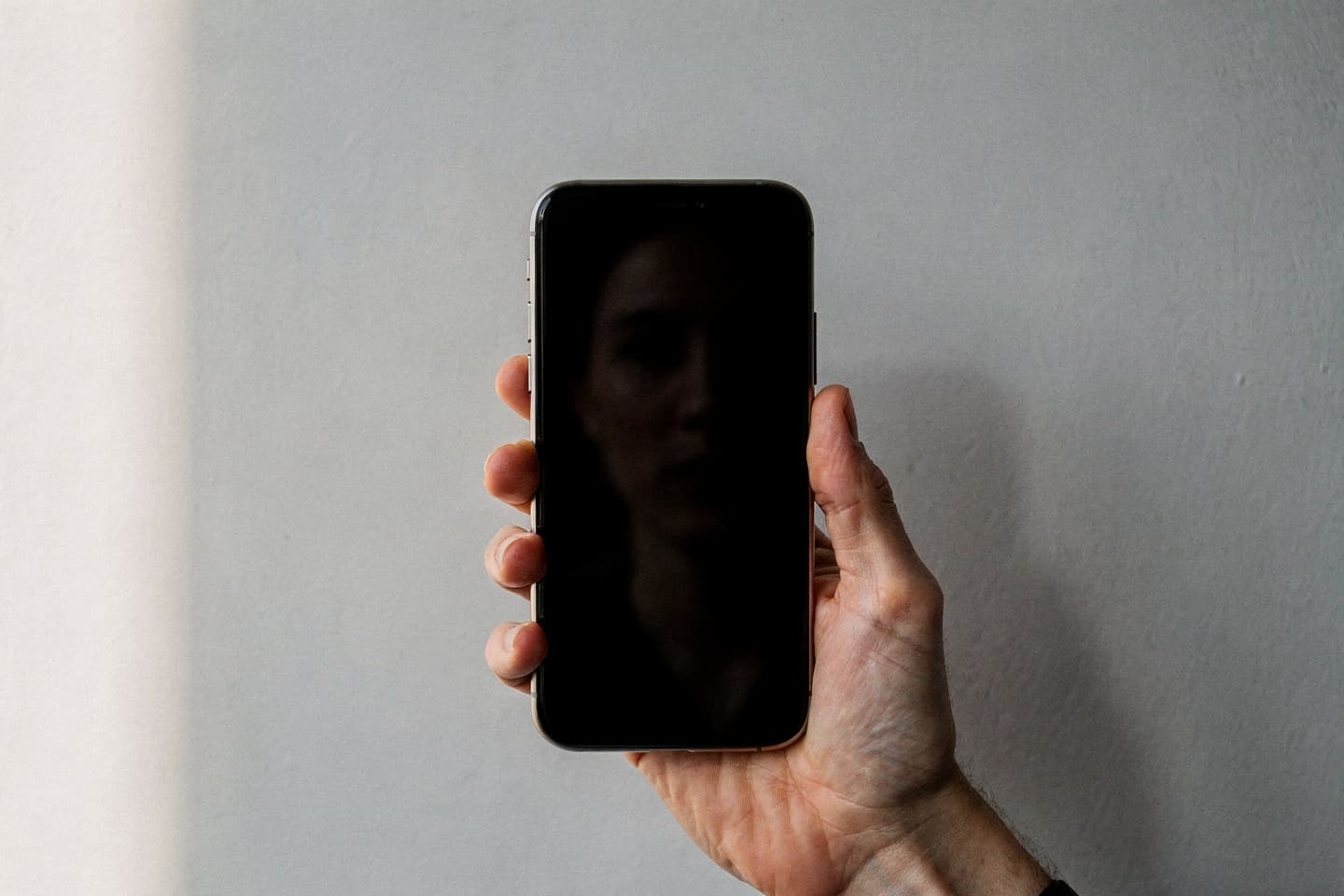
The selfie you upload decides 70 per cent of the final result. Here is exactly what makes a good source photo, what makes a bad one, and the five-second test that catches most problems.
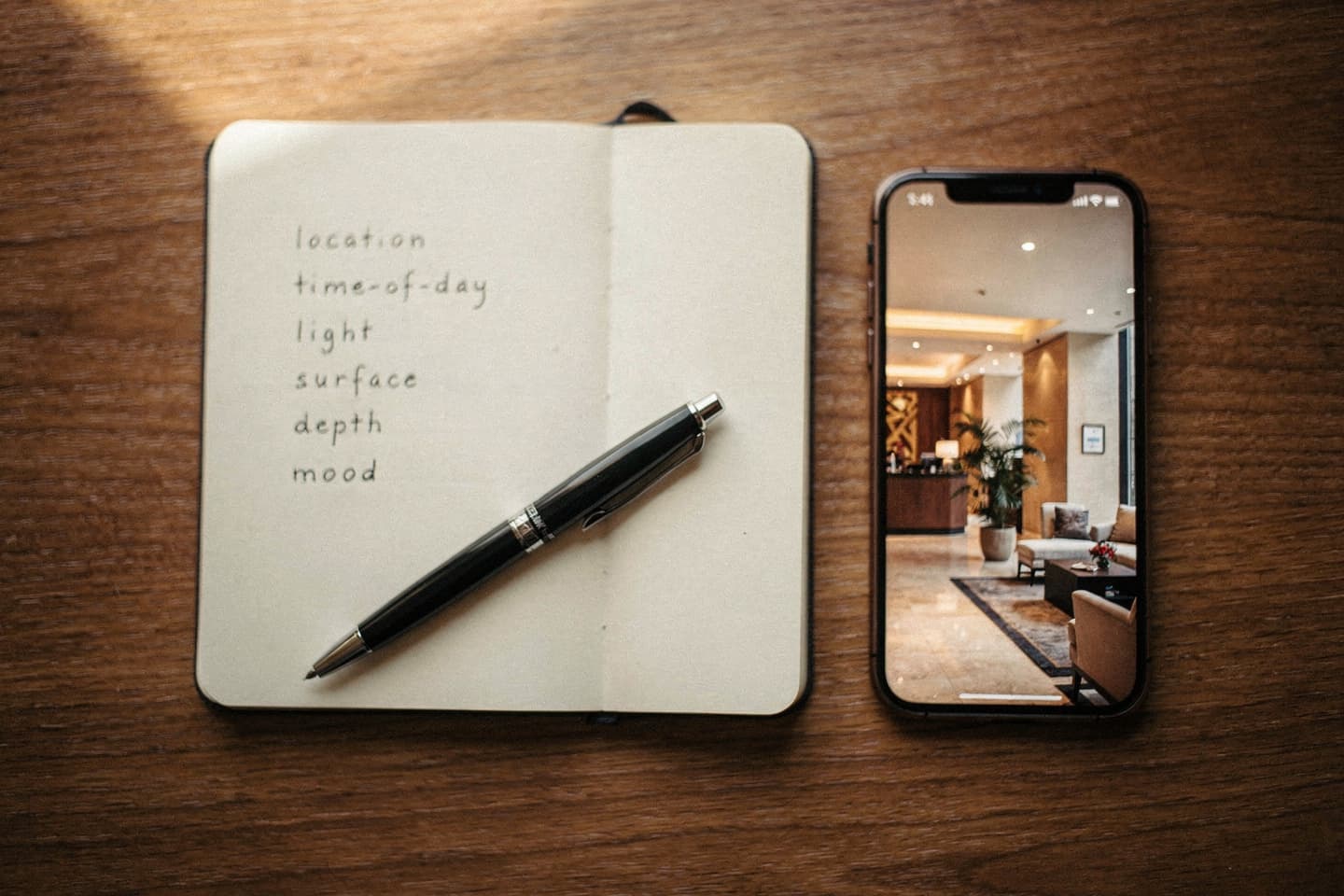
A field guide to writing prompts that produce believable finished photos. Six ingredients, common mistakes, and worked examples for cafes, hotels, airports, and offices.
FAQ
Yes. Sign in with Google to keep your credits attached to your account.
Been there done that creates realistic personal photos from your own selfie for responsible digital alibi, privacy, selective sharing, and low-stakes social presence.
This app is designed for that specific low-stakes use case: upload your own selfie, describe the setting, choose the date and time, then save a realistic JPEG.
The flow is built around your own selfie, a plain setting description, a chosen timestamp, mobile download, temporary processing, and clean JPEG output.
New users get 3 free credits. One successful photo uses one credit.
Your credit is not used unless a photo is created successfully.
Yes. Use Generate again from the result screen. A successful new version uses one more credit.
No. Buy credits only when you need more. The launch pack is 10 credits for EUR 10.
No. Created photos are delivered as clean JPEG files.
No. Do not use generated photos for legal, financial, medical, employment, insurance, immigration, or other official matters.
Yes. The app is built as a mobile web app and includes a one-time home-screen setup prompt on phones.
No. Finished photos are available for a short time after creation. Save the ones you want to keep.